Introduction
Spindle Purchase Invoice Recognition (SPIR) includes functionality that allows users to submit invoices for recognition by forwarding the received email and its attachments to a designated email address.
By default, the user receives a notification confirming that the invoice was successfully submitted for recognition. This behaviour can be modified so that notifications are only sent when submission fails. Enabling this option helps prevent users from becoming desensitised to frequent successful-notification emails, ensuring they pay closer attention to failure alerts.
It is recommended that successful-notification emails are disabled after a short period of initial use, once users are confident that the email import process is functioning correctly.
Reason
To ensure the user does not become complacent in ignoring the successful emails and pays attention to the unsuccessful emails.
Pre-requisites
To be able to make changes in Spindle Document Recognition SA Tool you will need to be logged in as a Sage 200 Administrator with permissions to amend the Sage 200 SQL Database.
Applies to:
Spindle Document Recognition SA and Spindle Document Management SA
Process
To amend the setting:
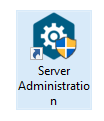
1. Open Spindle Document Management SA:
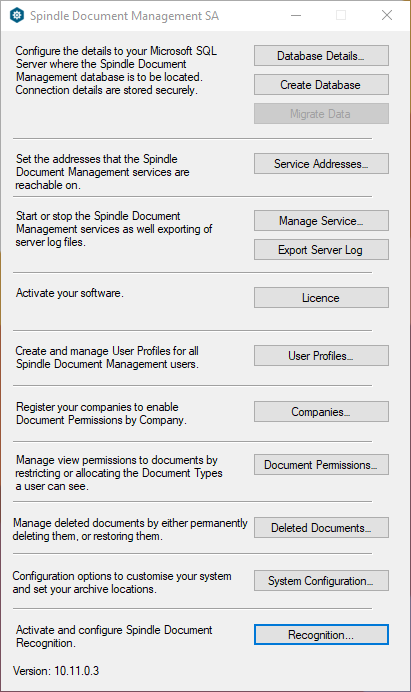
2. In the Spindle Document Management SA Tool select Recognition towards the bottom of the window :
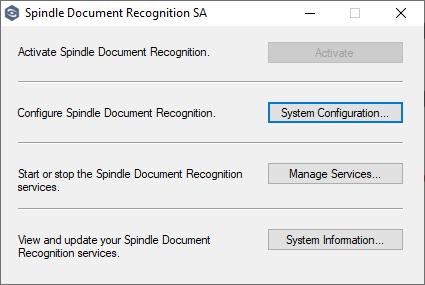
3. In the Spindle Document Recognition SA Tool select System Configuration :
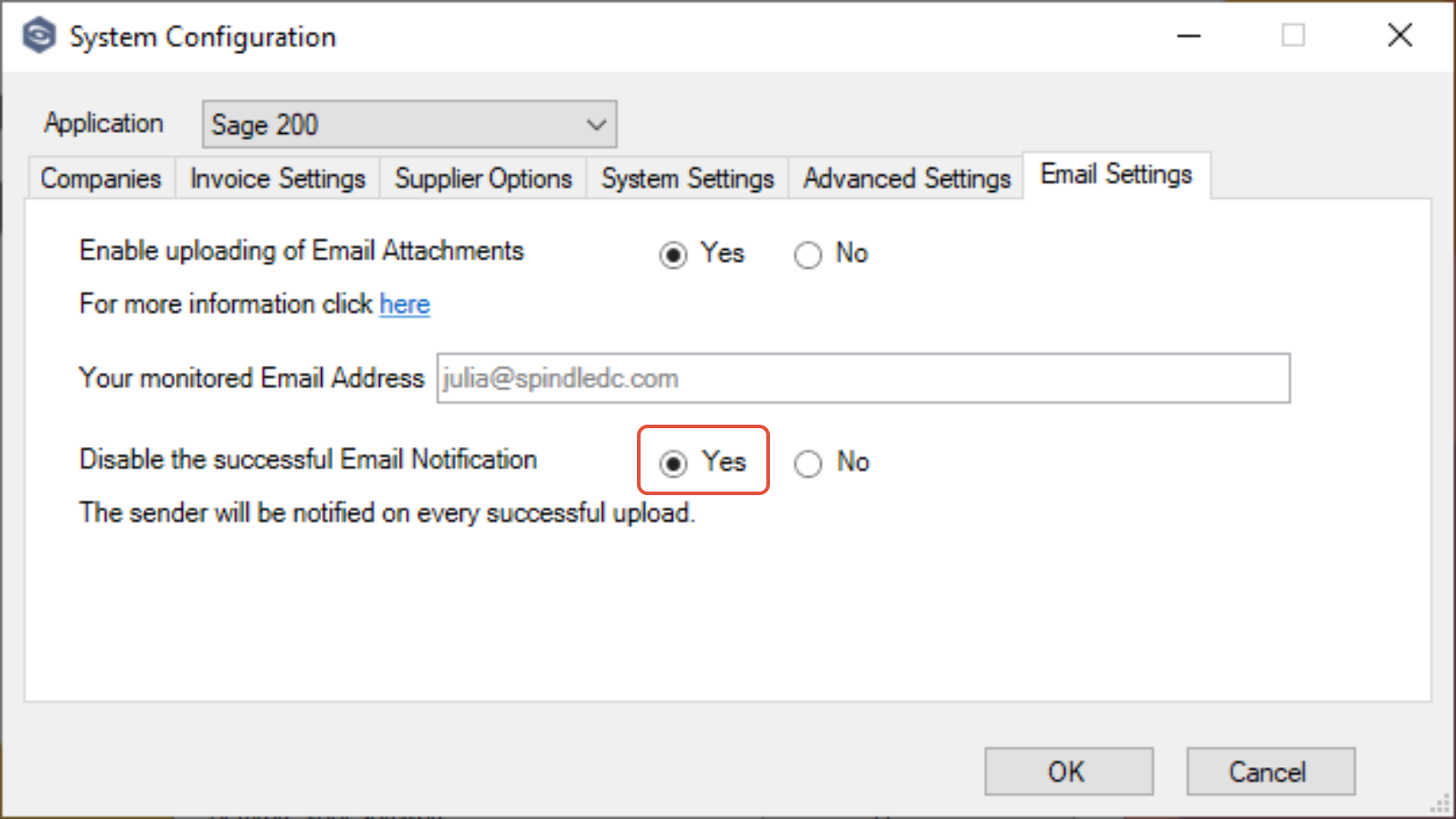
4. Navigate to the Email Settings tab:
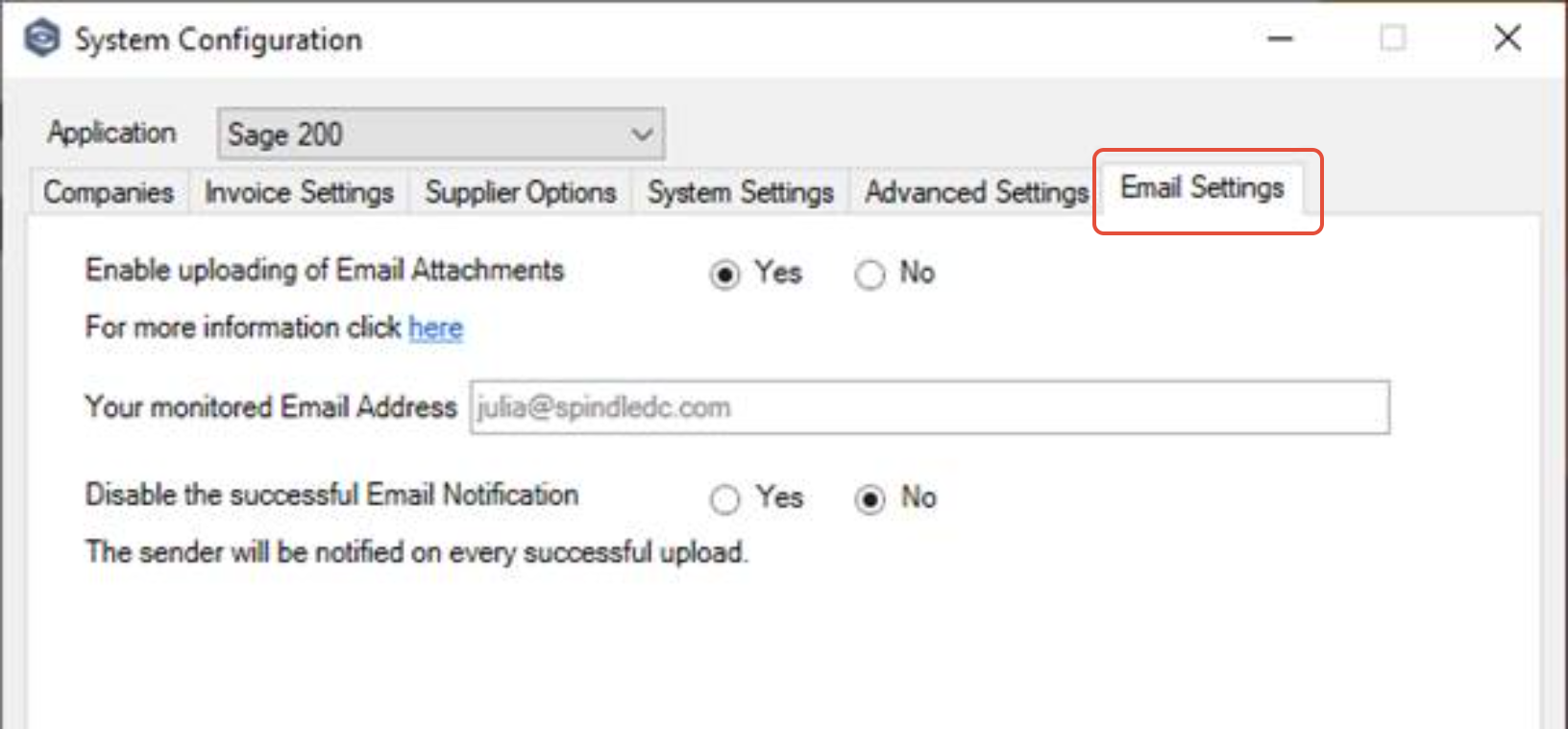
5. Amend the Email Notification Radio button from No to Yes:
6. Click OK
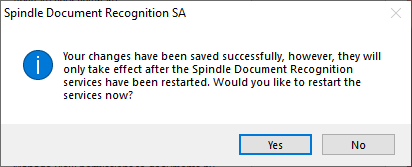
7. When prompted to restart the services, click Yes:
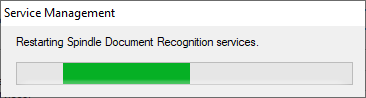
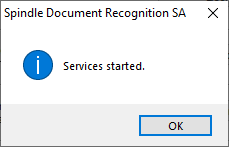
8. After confirmation that the services have restarted successfully, click OK:
9. Close the window using the X, then close both Spindle Document Recognition SA and Spindle Document Management SA
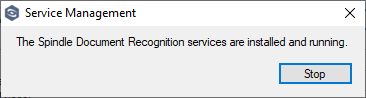
It will take approximately 15-20 minutes for the change to take effect.
| Related Product | Spindle Purchase Invoice Recognition |
| Reference Number | KBA-11-02-019 |
| Document Date | 24/03/26 |
| Original Author | Daniel French |
| Document Version | 1.0 |
| Last Updated | |
| Update Author | |
| Keywords | SPIR, Email notifications |
Was this article helpful?
That’s Great!
Thank you for your feedback
Sorry! We couldn't be helpful
Thank you for your feedback
Feedback sent
We appreciate your effort and will try to fix the article