Introduction
By default, Spindle Purchase Invoice Recognition (SPIR) retains invoices with a status of Posted & Archived—meaning they have been posted to Sage 200 and archived in Spindle Document Capture—for 30 days before removing them from the Document Portal.
This retention period can be reduced to as little as 1 day, allowing invoices to remain visible for the day they enter the Posted & Archived state plus one full day. After this period, the invoice no longer appears in the Document Portal but remains accessible in Sage 200 and the Document Search App.
It is recommended to amend the default 30 day setting only after an initial period of usage, once users are confident that all Posted & Archived invoices in the Document Portal are fully visible in Sage 200.
Reducing the number of retained invoices can improve search performance and help users more easily identify outstanding documents.
Retention can also be decreased gradually—for example, from 30 → 14 days, then 14 → 3 days, and finally to 1 day, depending on user preference.
Pre-requisites
To be able to make changes in Spindle Document Recognition SA Tool you will need to be logged in as a Sage 200 Administrator with permissions to amend the Sage 200 SQL Database.
Applies to
SPIR for Spindle Document Management V8 onwards
Process
To amend the setting:
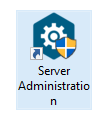
1. Open Spindle Document Management SA:
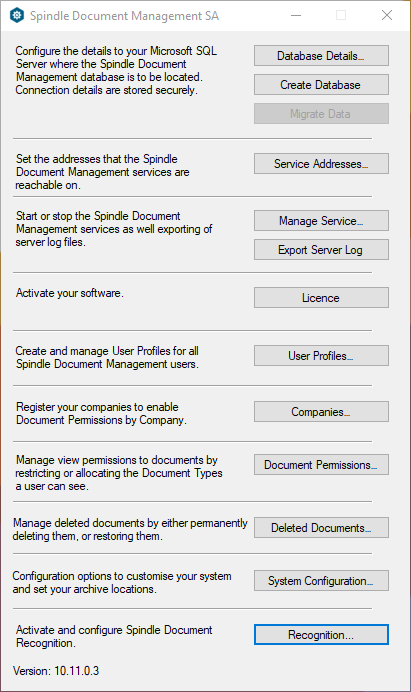
2. In the Spindle Document Management SA Tool select Recognition towards the bottom of the window :
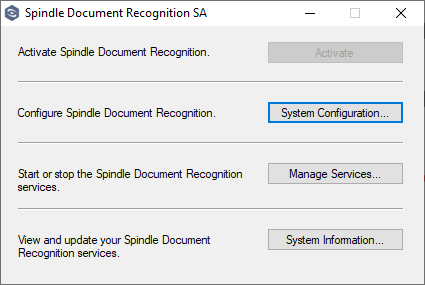
3. In the Spindle Document Recognition SA Tool select System Configuration :
4. Navigate to the System Settings tab:
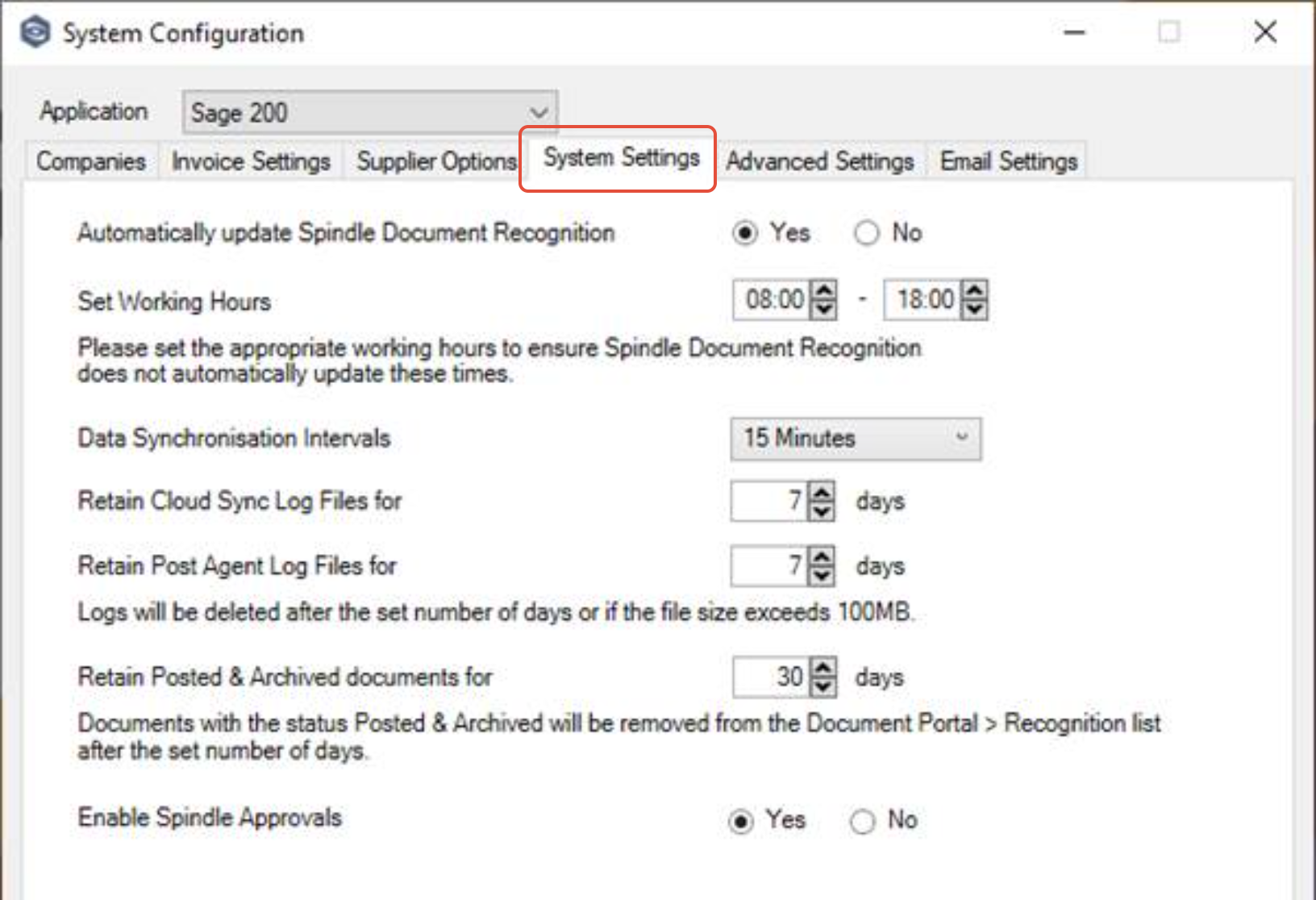
5. Update the “Retain Posted & Archived documents for” setting to the required number of days:
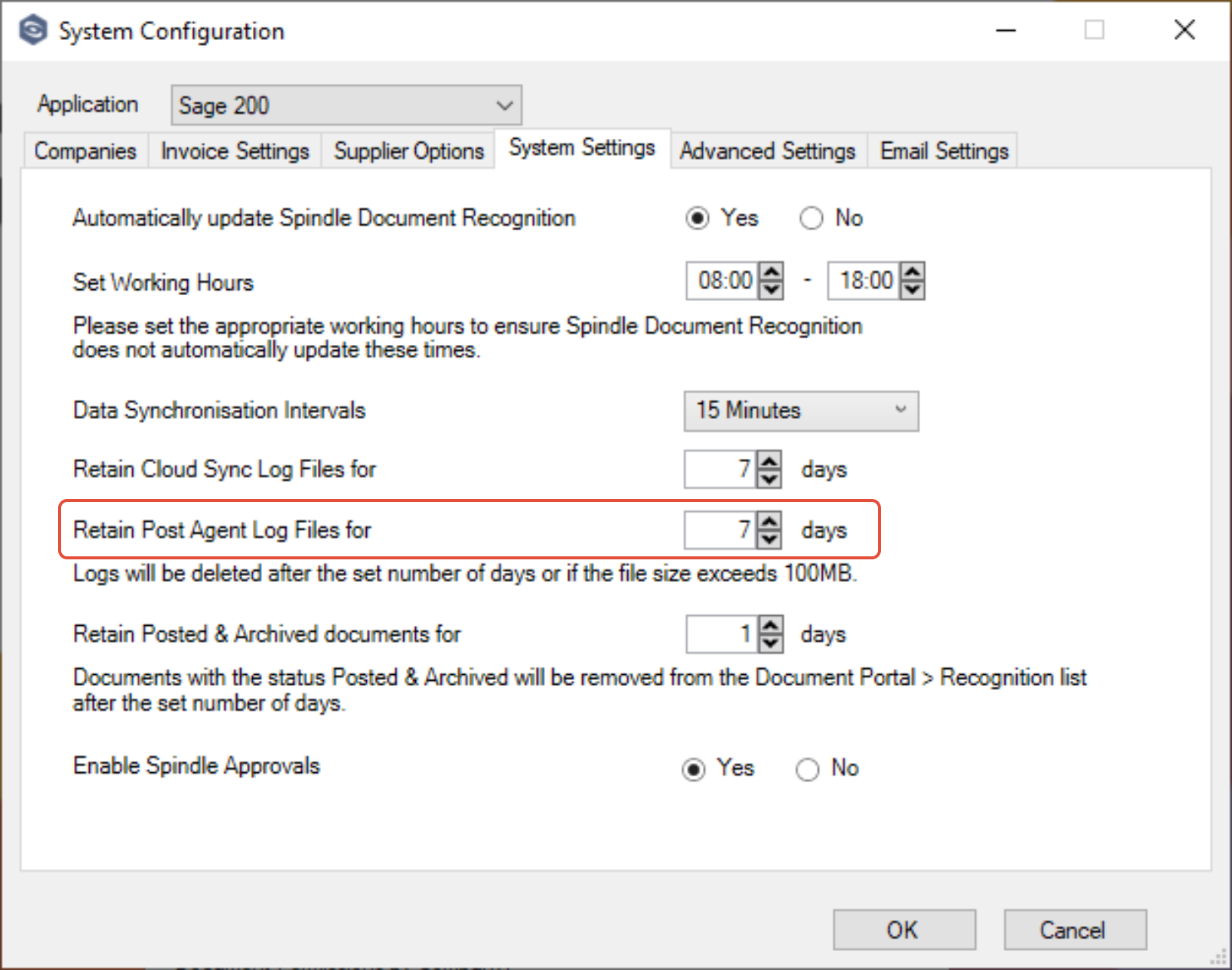
6. Click OK
7. When prompted to restart the services, click Yes:
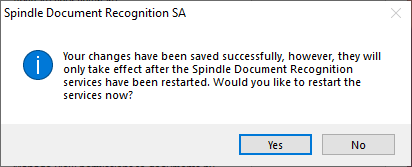
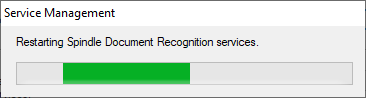
8. After confirmation that the services have restarted successfully, click OK:
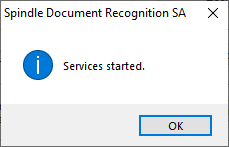
9. Close the window using the X, then close both Spindle Document Recognition SA and Spindle Document Management SA
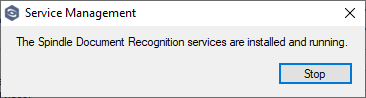
It will take approximately 15-20 minutes for the change to take effect. Users should see a reduced number of Posted & Archived documents in the Document Portal the following day.
| Related Product | Spindle Purchase Invoice Recognition |
| Reference Number | KBA-11-02-020 |
| Document Date | 24/03/26 |
| Original Author | Daniel French |
| Document Version | 1.0 |
| Last Updated | |
| Update Author | |
| Keywords | SPIR, Posted, Archive |
Was this article helpful?
That’s Great!
Thank you for your feedback
Sorry! We couldn't be helpful
Thank you for your feedback
Feedback sent
We appreciate your effort and will try to fix the article